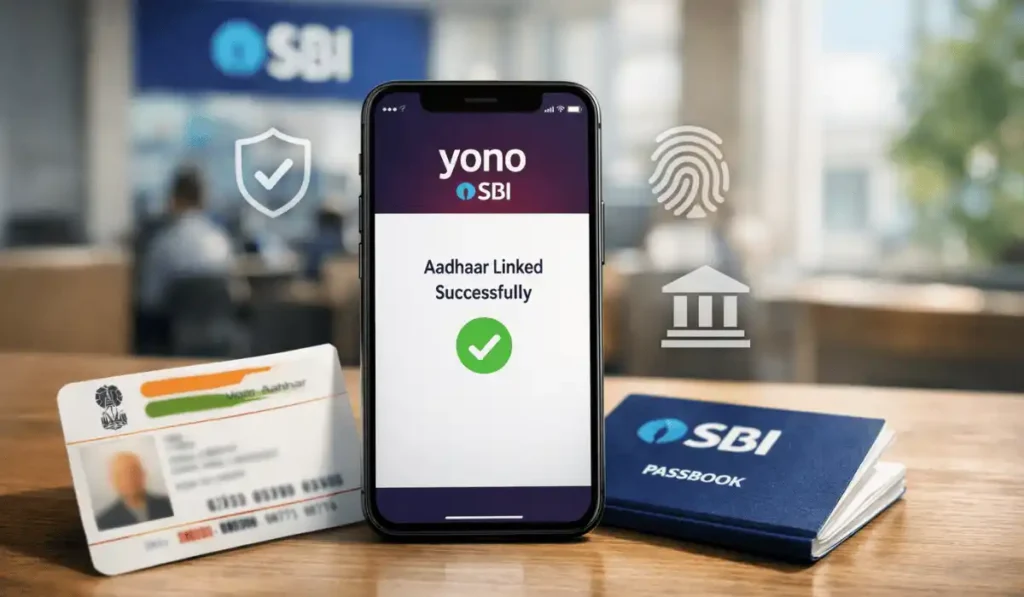
How to Link Aadhaar with SBI Bank Account
I still remember the day my uncle called me, my voice shaky, slightly embarrassed.
“Beta… my pension didn’t come this month. The bank says Aadhaar isn’t linked.”
That moment is burned into my memory. Not because the process is complicated, but because nobody explains it properly.
If you’re here searching for how to link Aadhaar with SBI bank account, chances are:
- Your subsidy stopped
- Your pension got delayed
- You received an ominous SMS from SBI
- Or you want peace of mind
You’re not alone. I’ve helped parents, neighbors, shopkeepers, senior citizens, and even tech-savvy friends fix this exact issue.
Let’s do this properly once and for all.
Table of Contents
Why Linking Aadhaar with SBI Bank Account Actually Matters (Beyond Rules)
Most blogs say, “It is mandatory.”
But they don’t explain why it hurts when it’s not done.
Here’s what actually happens when Aadhaar isn’t linked:
- DBT subsidies stop silently (LPG, scholarships, pensions)
- The account may get partially frozen
- KYC status becomes “incomplete”
- Repeated SMS warnings create anxiety
- Government benefits bounce back without explanation
I’ve seen people blame SBI staff, Aadhaar centers, and even the government when the fix takes 10 minutes.
Understanding how to link Aadhaar and SBI bank account isn’t optional anymore. It’s survival banking.
Search Intent Breakdown (What You REALLY Want)
People searching for how to link Aadhaar with SBI bank account want:
- Simple steps (not legal jargon)
- Online + offline methods
- Real mistakes to avoid
- Confirmation methods
- Solutions if linking fails
This guide covers all of it.
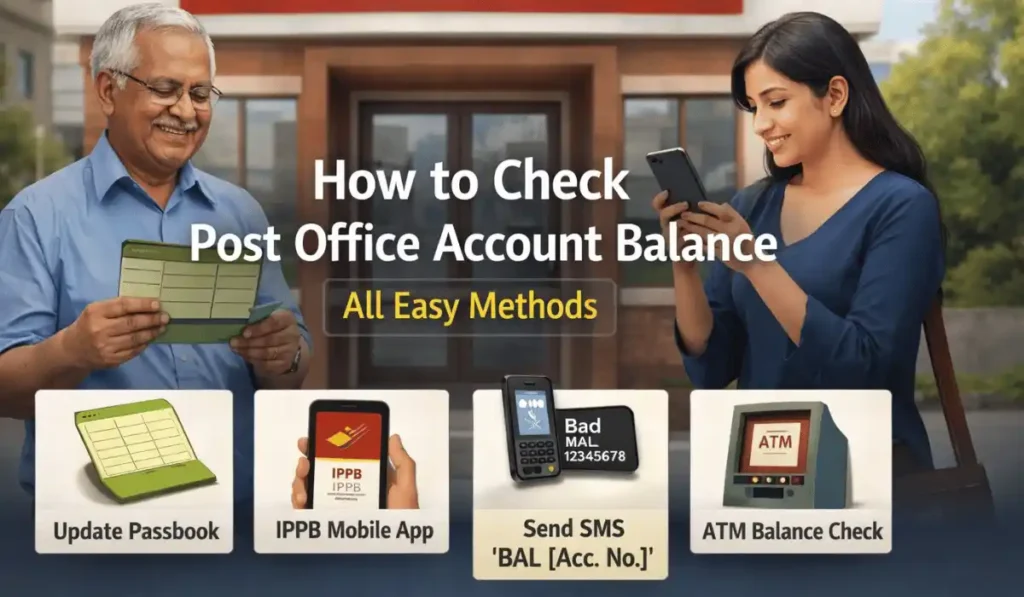
How to Check Post Office Account Balance (All Easy Methods 2025)
Method 1: How to Link Aadhaar with SBI Bank Account Online (The Smart Way)
Best For:
- Internet banking users
- People who want confirmation instantly
What You Need:
- SBI Net Banking is active
- Aadhaar linked to mobile number
- OTP access
Step-by-Step Process
- Log in to SBI Net Banking
- Click My Accounts & Profile
- Select Link Aadhaar Number
- Choose your account number
- Enter your 12-digit Aadhaar
- Click Submit
- Enter OTP received on Aadhaar-linked mobile
Boom. Done.
You’ll receive confirmation within 24–48 hours.
Tip:
Many failures happen because the mobile number in Aadhaar is outdated. Update that first if OTP doesn’t arrive.
Method 2: How to Aadhaar Link to SBI Bank Account via SMS (Surprisingly Effective)
This method feels old-school but works beautifully.
Format:
UID <Aadhaar Number> <Account Number>
Please send it to 567676
Example:
UID 123412341234 12345678901
What Happens Next:
- SBI sends confirmation SMS
- If details match → linked
- If mismatch → error message
Common Mistake:
Sending SMS from a mobile number not registered with SBI. It will fail silently.
Method 3: How to Link Aadhaar and SBI Bank Account Through ATM
Yes. ATM.
I’ve seen elderly customers smile when this works.
Steps:
- Insert the SBI ATM card
- Enter PIN
- Select Services
- Choose Aadhaar Linking
- Enter Aadhaar number
- Confirm
You’ll get an SMS confirmation.
Real Scenario:
My neighbor has no smartphone, no internet, and linked Aadhaar via ATM in 3 minutes.
Method 4: Offline Method – Branch Visit (Most Reliable for Errors)
Sometimes… online fails.
That’s okay.
What to Carry:
- Aadhaar Card (original + photocopy)
- SBI passbook
- Valid ID (just in case)
Process:
- Ask for the Aadhaar seeding form
- Fill details carefully
- Submit to the bank official
- Get acknowledgment
Linking usually completes in 2–5 working days.
How to Check If Aadhaar Is Already Linked with SBI Bank Account
Before panicking, check the status.
Option 1: UIDAI Website
- Visit UIDAI
- Check Aadhaar-bank linkage
Option 2: SMS
Send:
UID STATUS <Aadhaar Number>
To 567676
Option 3: SBI Net Banking
- Go to Profile → Aadhaar Status.
Real Mistakes People Make (I’ve Seen These Too Often)
Let’s save you frustration.
- Wrong Aadhaar number
- Name mismatch (Aadhaar vs bank)
- Old mobile number in Aadhaar
- Multiple accounts confusion
- Assuming SMS = confirmation (sometimes it’s pending)
Expert Advice:
Names must match letter-for-letter. “Ravi Kumar” vs “Ravi K.” causes rejection.
Advanced Insights Competitors Don’t Talk About
1. Linking ≠ DBT Enabled
You must set SBI as the primary DBT bank on the Aadhaar portal.
2. Multiple Bank Accounts?
Only one person can receive government benefits.
3. Failed Linking Doesn’t Alert You
Always verify status manually.
4. NPCI Mapping Matters
Your Aadhaar must map correctly with NPCI, not just SBI records.
Pro-Level Tips from Experience
- Link Aadhaar during non-peak hours
- Avoid branch rush (Monday & month-end)
- Screenshot confirmations
- Update your Dhaar mobile first
- Recheck after 72 hours
FAQs
1. Is it mandatory to link Aadhaar with an SBI bank account?
Yes, especially for DBT benefits, pensions, and subsidies.
2. How long does Aadhaar linking with SBI take?
Anywhere from instantly to 5 working days.
3. What if Aadhaar linking fails?
Check name mismatch, mobile number, or visit the branch.
4. Can I link Aadhaar to SBI without internet?
Yes, via ATM, SMS, or branch visit.
5. How many times can I link Aadhaar?
Multiple attempts allowed, but only one active DBT bank is permitted.
6. Does linking Aadhaar affect account privacy?
No. Data is protected under UIDAI regulations.
7. Can I unlink Aadhaar from SBI?
Yes, by visiting the branch or UIDAI update.
8. Is Aadhaar linking free?
Absolutely. No charges.
9. What if my subsidy stopped even after linking?
Check NPCI mapping and DBT status.
Conclusion
Linking Aadhaar with an SBI bank account isn’t just compliance.
It’s:
- Financial continuity
- Peace of mind
- Dignity (especially for seniors)
- Access to what’s rightfully yours
- If you’ve been confused, anxious, or stuck, take a breath.
- You’ve got this now.
- And if you ever help someone else link theirs…
- You’ll remember this guide.
Because now, you know exactly how to link Aadhaar with SBI bank account the right way.