How to Make Recharge Card PIN
I still remember the first time someone asked me,
“Bhaiya, recharge card PIN kaise banta hai?”
It was a small mobile recharge shop. Dusty counter. Faint smell of thermal paper receipts. A Nokia phone is ringing somewhere in the background. And that one question is simple on the surface, but loaded with confusion.
Because here’s the truth most websites don’t tell you:
- You don’t “generate” recharge card PINs randomly.
- You create them only through authorized telecom systems.
So if you’re genuinely looking for how to recharge card PIN, you’re in the right place. This guide explains exactly how it works in real life, legally, step by step, without drama, without fake hacks, and without getting you into trouble.
Let’s break it down as a human would. Slowly. Clearly. Honestly.
Table of Contents
What Is a Recharge Card PIN, Really?
Before jumping into how to make recharge card PIN, let’s pause for 30 seconds.
A recharge card PIN is:
- A unique numeric code
- Generated by telecom company servers
- Meant for prepaid mobile recharges
- Issued only after payment
- It’s not magic.
- It’s not random guessing.
- It’s not something you create in Excel.
- It’s a secure transaction output.
Important Reality Check (Please Read)
If anyone tells you:
- “Create a recharge PIN using software.”
- “Generate free recharge card PIN.”
- “Hack telecom PIN system”
That’s illegal. Period.
This article explains how to make recharge card PIN legally, the same way:
- Mobile shops do
- Retailers do
- Telecom franchises do
No shortcuts. No scams.
Who Can Legally Make a Recharge Card PIN?
You can only make a recharge card PIN if you are:
- An authorized mobile recharge retailer
- A telecom franchise or distributor
- Using an official POS/retailer portal
If you’re a regular user at home, you cannot create PINs, but you can understand the process (and spot scams).
How to Make Recharge Card PIN – (Step-by-Step)
Let’s walk through the actual method used in India.
Step 1: Become an Authorized Recharge Retailer
This is where every real journey begins.
To legally learn how to make recharge card PIN, you must register with:
- Jio Distributor
- Airtel Payments Bank
- Vodafone Idea Retail Network
- BSNL Franchise
- Multi-recharge platforms (PayNearby, Spice Money, Ezeepay)
Documents usually required:
- Aadhaar
- PAN
- Shop address proof
- Bank account
- Passport photo
Once approved, you get access to a retailer system.
How to Link Aadhaar with SBI Bank Account (Fast Step-by-Step Guide 2025)
Step 2: Get Access to the POS or Retailer Portal
Now things get interesting.
You’ll receive:
- A POS machine or
- A mobile app/web dashboard
This system is directly connected to telecom servers.
This is the only place where recharge card PINs are created.
Step 3: Load Wallet Balance
No balance = no PIN.
Before you can understand how to make recharge card PIN, you must:
- Add money to your retailer wallet
- Usually via bank transfer or UPI
Example:
You add ₹10,000 to your wallet.
Step 4: Select Recharge Card Option
Inside the system:
- Choose telecom operator (Jio/Airtel/VI/BSNL)
- Select Recharge Voucher / PIN
- Choose denomination (₹10, ₹50, ₹100, ₹299, etc.)
This step feels oddly satisfying—like picking tools from a clean toolbox.
Step 5: Confirm & Generate PIN
This is the core moment.
Once you confirm:
- Amount is deducted from the wallet
- The telecom server generates a unique recharge card PIN
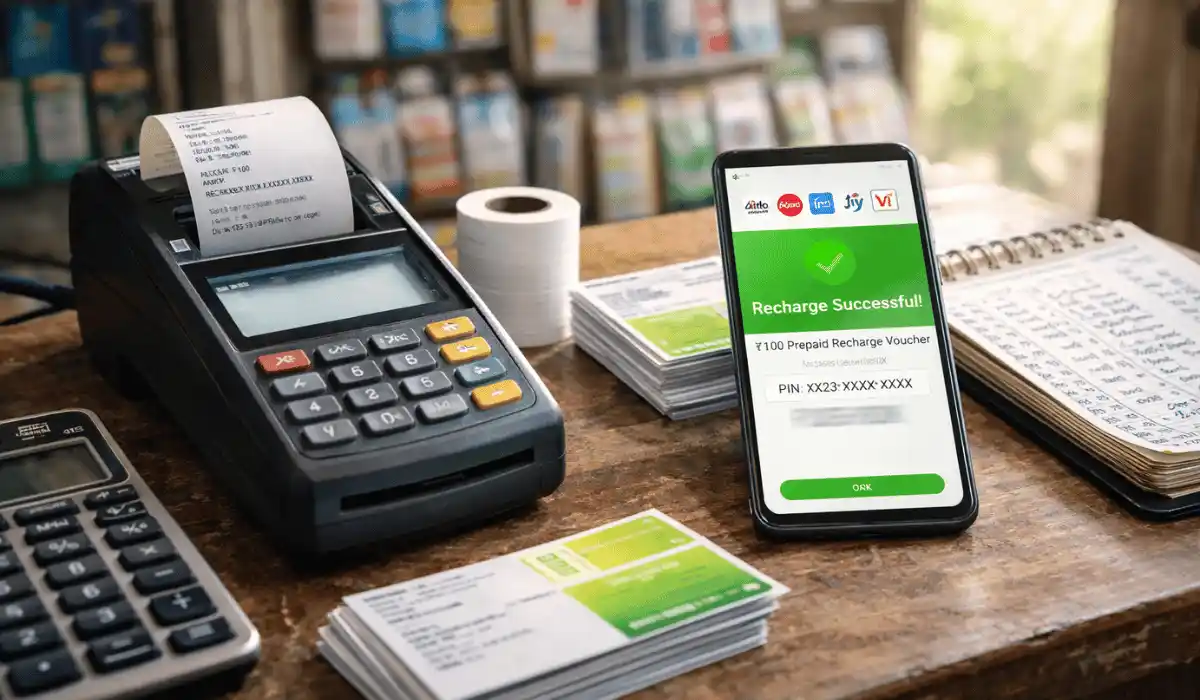
- PIN is displayed or printed instantly
Congratulations.
This is how to make recharge card PIN, legally and correctly.
Step 6: Print or Share the PIN
You can:
- Print it on thermal paper
- Send via SMS
- Write it on a voucher card
Most shops hand over:
- PIN
- Recharge instructions
- Customer support number
Simple. Clean. Professional.

Real-Life Example (From a Small Shop)
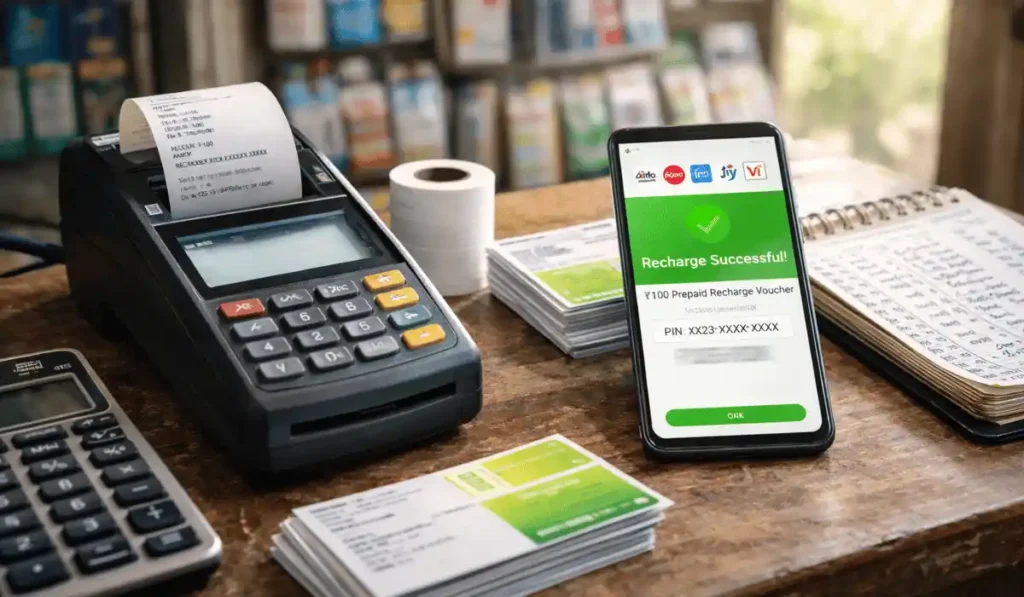
Let’s say a customer wants the PIN for a ₹100 Airtel recharge card.
You:
- Open POS
- Select Airtel → ₹100 voucher
- Confirm
- POS prints:
Recharge PIN: XXXX-XXXX-XXXX
Dial 123PIN#
That PIN didn’t come from you.
It came from Airtel’s server.
That’s the real answer to how to make recharge card PIN.
Common Mistakes People Make (Please Avoid These)
Thinking PINs can be created offline
- Searching for “free recharge card PIN generator.”
- Trusting YouTube hacks
- Using fake apps
- Buying PINs from Telegram sellers
Every single one leads to:
- Fraud
- Loss of money
- Legal trouble
Expert Tips From Someone Who’s Seen It All
- Always use official distributor channels
- Never reuse a PIN
- Print immediately after generation
- Keep transaction logs
- Educate customers on the correct recharge method
- Trust is everything in the recharge business.
Can You Make Recharge Card PIN at Home?
Short answer: No.
Long answer:
You can only generate recharge card PINs through telecom-authorized systems.
Anyone promising home PIN creation is lying.
Why This Process Is So Strict
Telecom PINs are:
- Prepaid money equivalents
- Financial instruments
- Regulated by RBI & TRAI rules
Security isn’t optional.
FAQs – How to Make Recharge Card PIN
1. Can I generate a recharge card PIN using the mobile app?
Only if it’s an authorized retailer app.
2. Is the PIN generation for the recharge card free?
No. You must preload the wallet balance.
3. Can PIN be reused?
Never. One-time use only.
4. Is the online PIN the same as the scratch card?
Yes. Scratch cards are physical versions of generated PINs.
5. How to make recharge card PIN for Jio?
Only through the Jio distributor POS or portal.
Conclusion
If you came here expecting a shortcut, I won’t lie to you.
There isn’t one.
But if you wanted the truth, the real process, and a clear explanation of how to make recharge card PIN, now you have it.
- This is how real shops do it.
- This is how telecom companies intend it.
- And this is how you stay safe, legal, and respected.
If you would like, I can assist you with
- Starting a recharge business
- POS machine comparison
- Distributor registration guides
- Telecom retailer profit models